
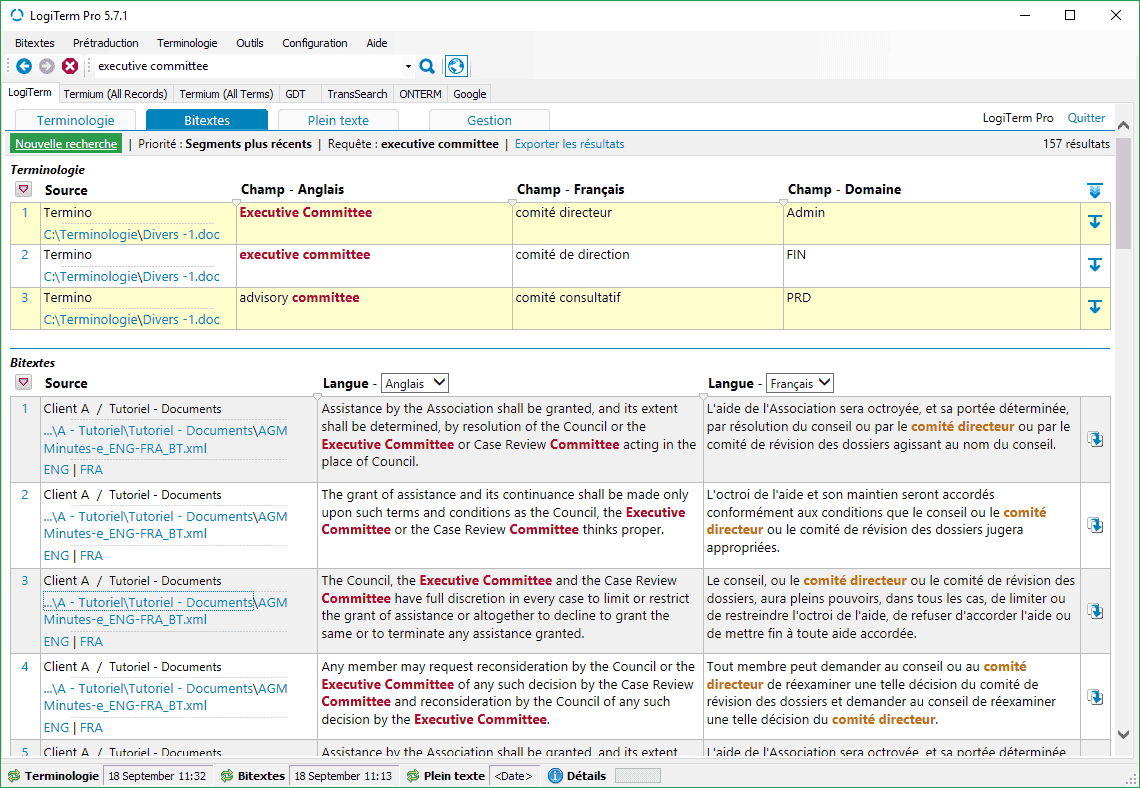
LogiTerm offers a range of easy-to-use features perfectly tailored to industry needs, starting with its search interface.
Use LogiTerm Pro for $95.
Free 10-day trials
Write us at
sales@terminotix.com
to ask for your free trial
version of LogiTerm Pro.
LogiTerm lets translators, terminologists, professional writers and coordinators increase their productivity by at least 30% while improving the quality of their work. LogiTerm offers a wide range of user-friendly functions that are perfectly tailored to actual industry needs—starting with its search interface. You’ll find everything you need: terminology, bitexts and full text databases, not to mention instant access to 40 of the world’s most popular terminology sources. Once you have launched a search in one database, you can repeat the search in another database with a single click. Don’t waste any more time cutting and pasting search terms and continuously toggling between windows.
The full text database alone gives LogiTerm a huge advantage over other computer-assisted translation tools. It’s your own personal Google, allowing you to search through all your documents, no matter the format (Word, Excel, PowerPoint, PDF, HTML, XML, etc.). Its two filtering levels allow you to index only documents that are most useful to you, based on your preset criteria.
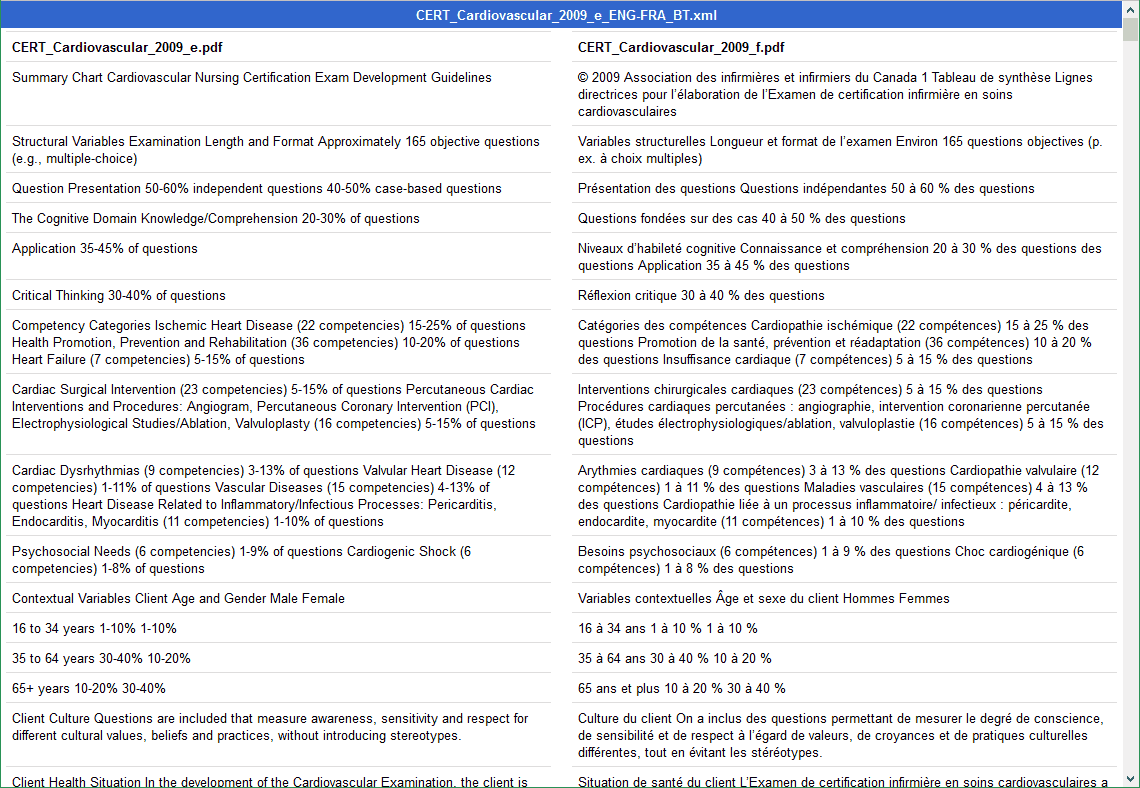
LogiTerm’s alignment function allows you to create your own bitexts, which you can then index in LogiTerm and use to pretranslate documents. The program can process over 100 file formats, including PDF. Has a multilingual website caught your eye? Save and align web pages from the site, then immediately use the resulting bitexts for pretranslation.
The LogiTerm translation environment is always MS Word, no matter what type of file you’re translating. For example, LogiTerm allows you to translate PowerPoint and Excel documents in MS Word, then automatically insert the translation back into the original document with the reinsert translation tool.
This pretranslation option launches several different functions at once. It allows you to find out the total word count for a project, extract repeated terms that aren’t yet in your terminology records, generate a document listing sentences that are repeated within a project, and learn the most efficient order in which to translate a set of documents. This feature makes it easy to translate repetitions consistently throughout your project.
LogiTerm allows you to align a wide variety of file types—including PDF—and immediately use the resulting bitexts as references when pretranslating documents. Only need to align part of a web page? Use the align text portions tool. Simply drag and drop the text you wish to align into the boxes that correspond to your language pair.
When you launch a search in the bitexts database, LogiTerm highlights its equivalent in the target language.
LogiTerm lets you convert any file format into plain text. You can also merge multiple documents to create a single file. Did a client send you a file format you don’t have the software to open? Deformat it!
LogiTerm lets you import or export translation memories in TMX or bitext format and import or export glossaries from Excel, MS Word and more.
LogiTerm is compatible with over 100 file types, including PDF, Word, Excel, PowerPoint, HTML and XML.
LogiTerm supports any language covered by the Unicode standard.
LogiTerm Pro is the single-user version of LogiTerm Web, meaning that it is installed on the translator’s computer rather than a server.
Produit ajouté au panier avec succès !