Step into the world of effortless translation with the TAIGR plugin, a sleek add-on. It instantly displays results from your bitexts, terminology, neural machine translation engines, TransSearch and artificial intelligence through TAIGR. It's like your personal language assistant, helping you translate faster and more accurately.
The TAIGR plugin finds matches and inserts them directly into any application in seconds.
SEARCH Simply highlight the text and double-tap the left Ctrl key.
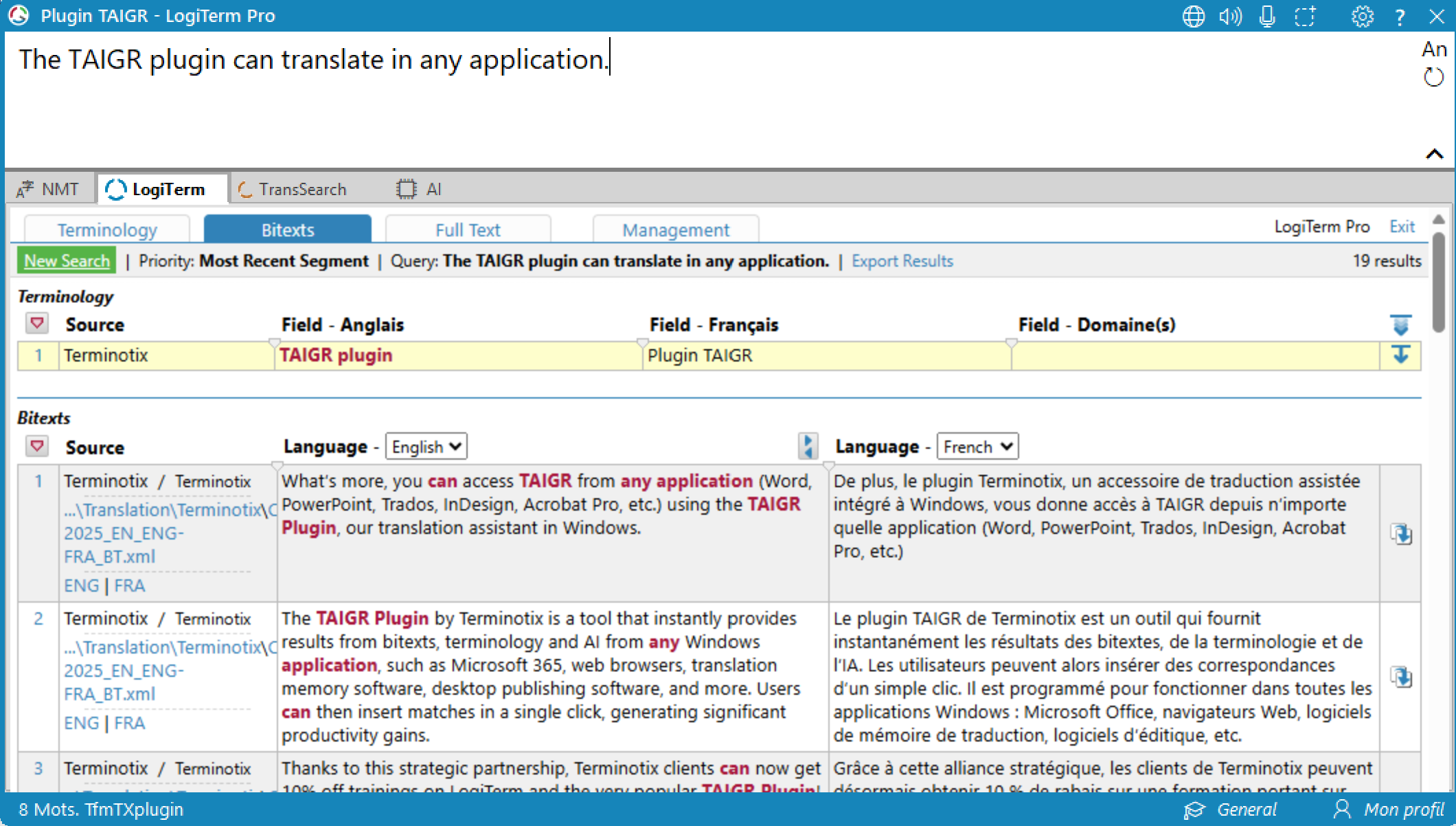
BROWSE RESULTS Results appear in a user-friendly interface. Use the tabs to easily browse results from LogiTermmodules, bilingual concordancers, NMT engines and AI.
INSERT TEXT Once you find the perfect translation, click on the icon to paste it into your document, replacing the text you originally selected.
JUST THREE STEPS TO A WORLD OF STREAMLINED TRANSLATION!
Broad compatibility
The TAIGR plugin is like the perfect accessory that goes with everything. It’s compatible with a variety of software applications, such as:
Microsoft 365 applications (Word, PowerPoint, Excel, Visio, etc.)
Web-based applications (SharePoint, Google Docs, Phrase, WordPress, etc.)
Publishing software (Acrobat, InDesign, etc.)
Email and messaging applications (Outlook, Slack, etc.)
HTML and CSS editors
Direct access to LogiTerm
Just press the Ctrl key twice to consult all your LogiTerm modules (bitexts, terminology and full text).
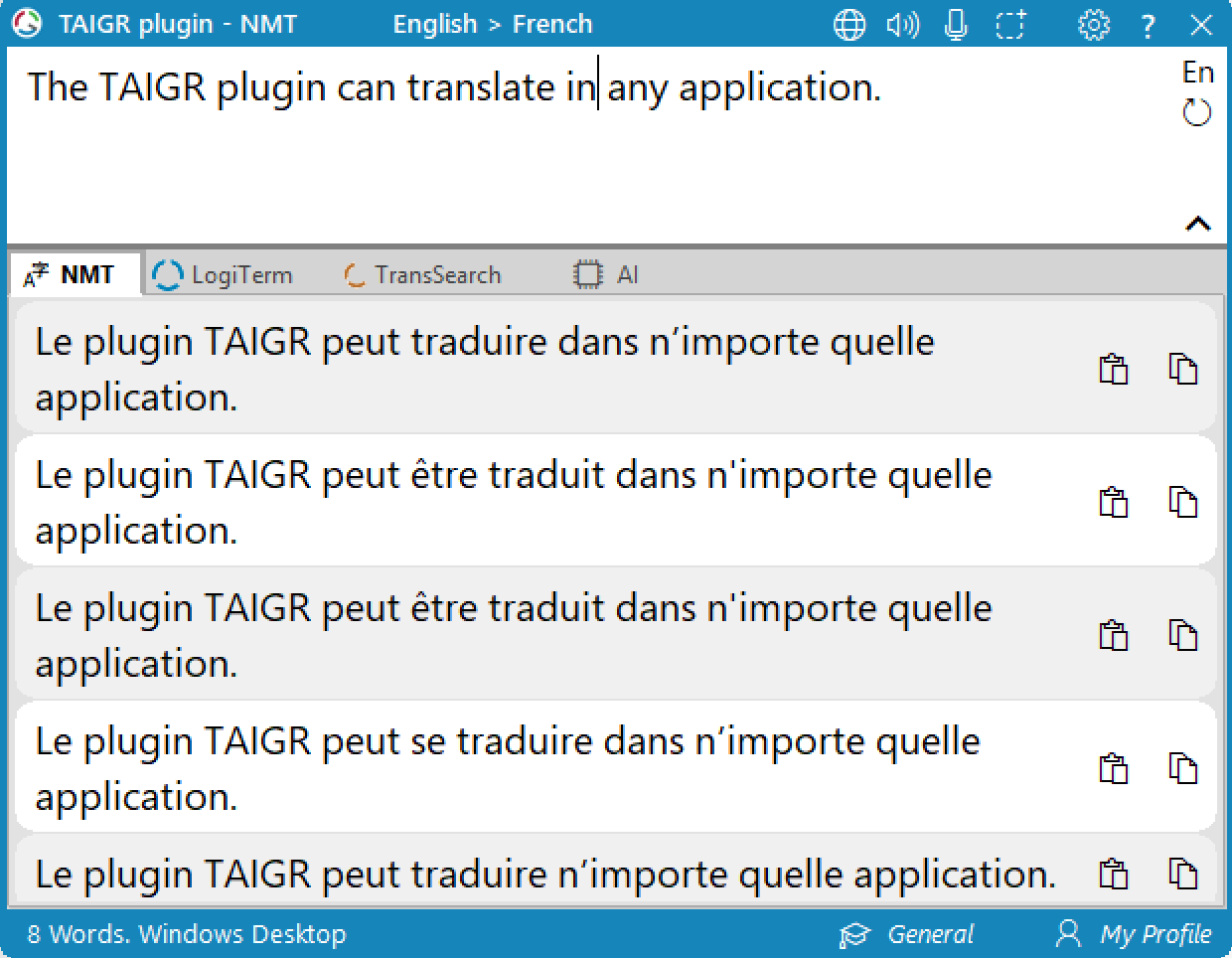
Neural machine translation at your fingertips
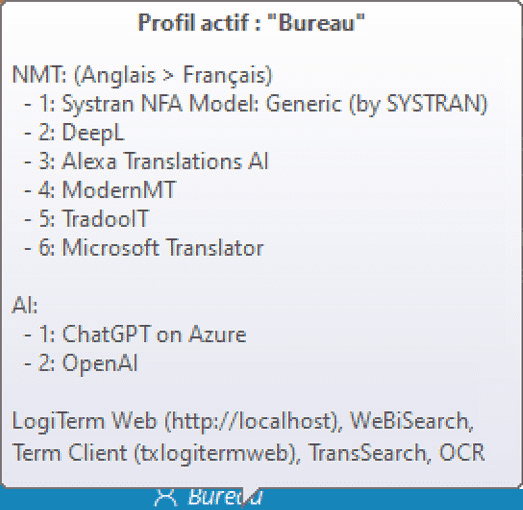
Link your accounts for quick translations from services like DeepL, Systran, TradooIT, ModernMT, Alexa Translations A.I., Microsoft Translator and Globalese.
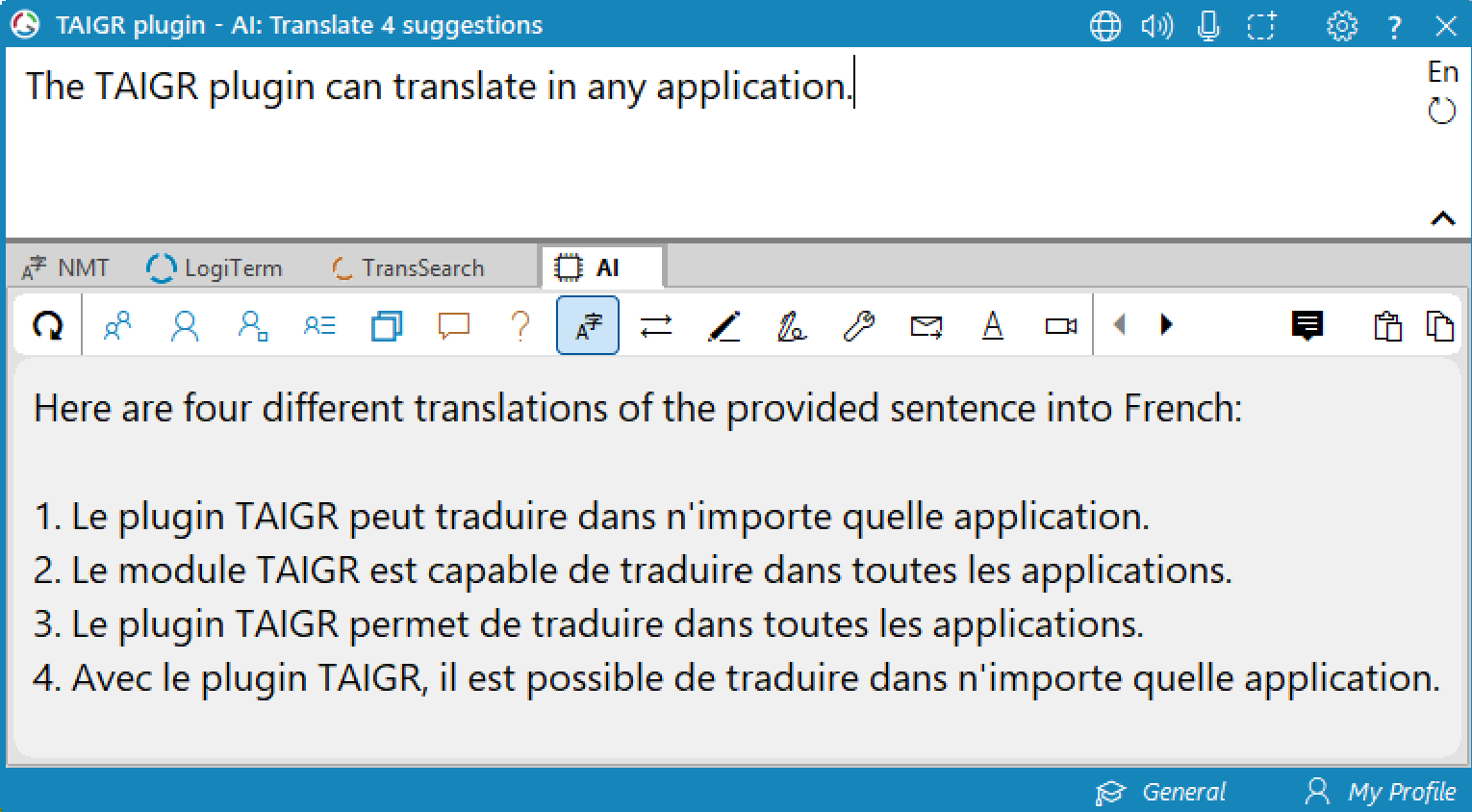
TAIGR AI integration
Embrace the sophistication of AI with ChatGPT on Azure, ChatGPT from OpenAI and all the innovative engines on Hugging Face via LM Studio. TAIGR technology will automatically consult your bitexts and terminology for accurate and standardized translations.
Optical character recognition
Need to translate text from an image? Simply paste the image into the plugin and watch as it transforms into editable text.
Seamless Web Extension client module integration
Does your client use LogiTerm? Configure the plugin to access their modules directly.
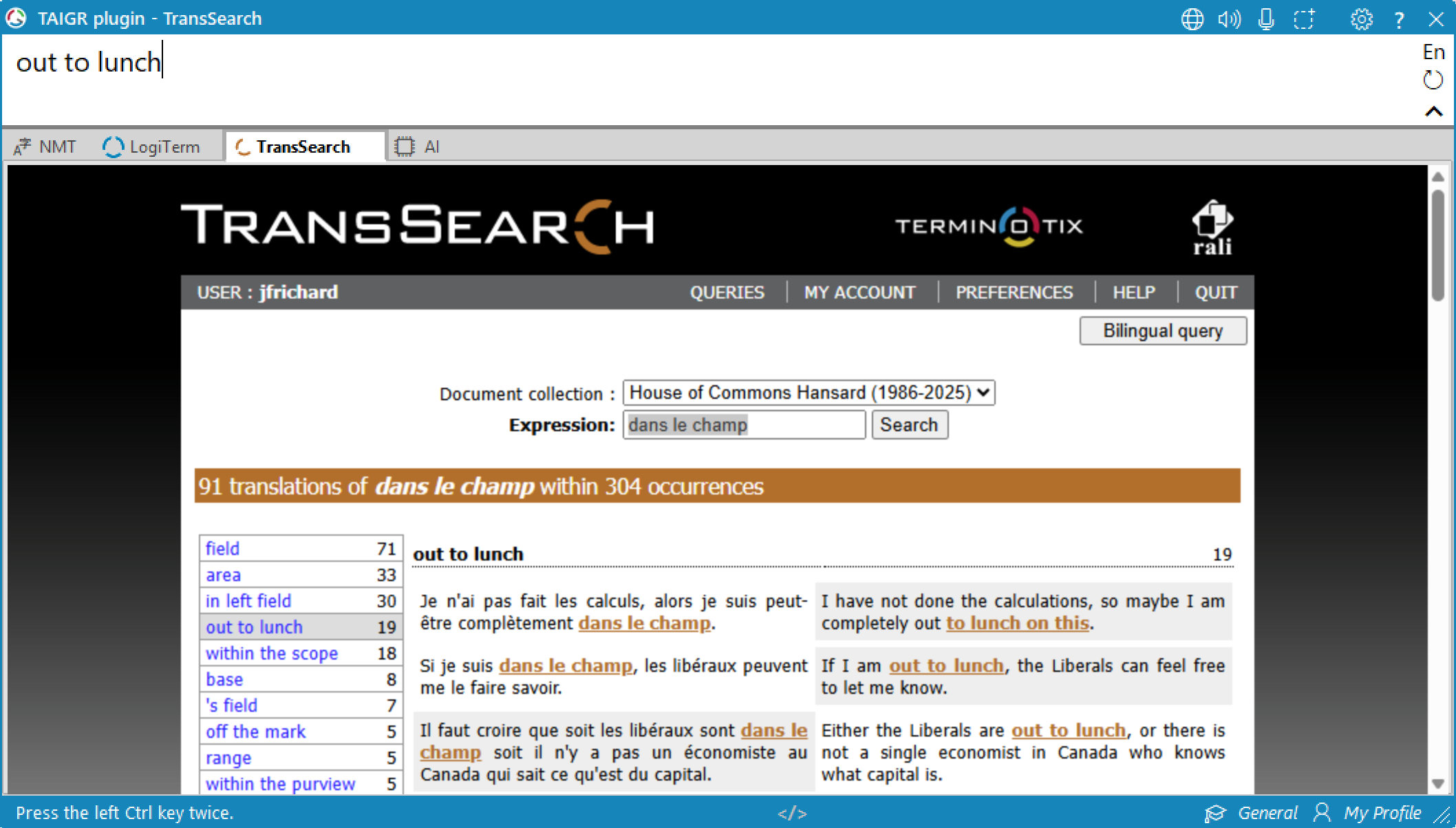
TransSearch matches
The plugin can also be configured to display results from our bilingual concordancer, TransSearch.
Effortless configuration
It takes just minutes to link your accounts to the plugin and start working.
Tailored profile management
Working with multiple clients? The plugin lets you switch between multiple profiles, each tailored to a specific client and its unique requirements.